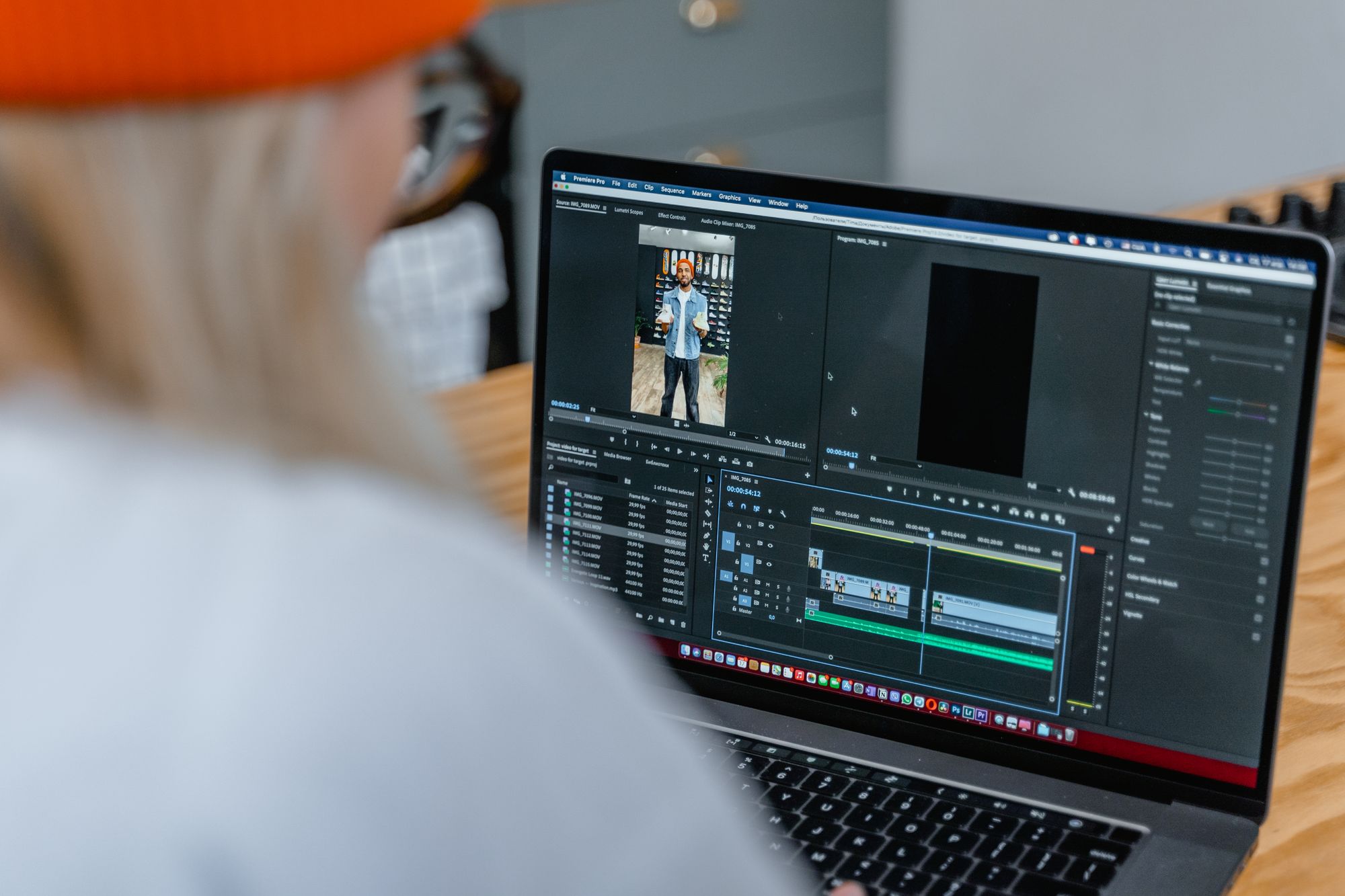
How to clip a Whatnot stream, in the app and for TikTok
To clip a live Whatnot show, tap Clip in the Whatnot app. You get the last 60 seconds, which you can trim, download or publish on Whatnot. For TikTok, Reels and Shorts, cut from a full recording of your show instead: keep it vertical, open on the moment, add captions, and post it from your own account.
Whatnot clips and TikToks do different jobs. A Whatnot clip lives on Whatnot, where your buyers can watch and share a moment. A TikTok, Reel or Short reaches people who have never opened Whatnot, and TikTok and Instagram decide who sees it by their own rules.
How to clip a live show in the Whatnot app
Anyone can clip any live show on Whatnot, yours included. You create and edit clips in the iOS and Android apps, and anyone can watch them on mobile or the web. The steps from Whatnot's clips guide:
- Tap Clip. During a live show in the app, tap Clip on the right side of the screen.
- Wait for it to generate. The clip covers the last 60 seconds of the show.
- Edit or download. Tap Edit to trim and name the clip, or Download to save it to your device.
- Publish it for buyers. New clips start out private on your profile. To make one public, go to Account, View Profile, open the Clips tab, pick the clip and switch it from Private to Public.
The same guide lists a few rules. A clip has to run at least 5 seconds, and once you trim it you can't edit it again. When someone else clips your show and publishes it, the clip shows up on your profile too, if you allow clips. You can hide any clip from your profile, or switch off Clips of you under Account, Preferences to remove them all.
How to clip a show that already ended
Whatnot keeps a full replay of each show for 60 days, in the app only, per its help center. Open Seller Hub, tap the menu in the top right, then go to Manage, Shows, Past, and pick the show. While it plays, you can capture and download clips and jump to highlights like purchases and giveaways. The purchase highlights jump to the moments that sold.
After 60 days the replay is gone. To clip a show next month, record it yourself. Our guide to recording a Whatnot show walks through the OBS setup.
Why a Whatnot clip isn't a TikTok yet
Whatnot's clip tools trim and name a 60-second window. That's enough for sharing a moment with your buyers on Whatnot. TikTok and Instagram both hold back reposts, and both spell it out:
- TikTok names two kinds of unoriginal content: content "largely repurposed from another source without adding any creative edits," and content with "someone else's visible watermark or superimposed logo." Its originality policy says TikTok may remove unoriginal content from the For You feed.
- Instagram says it's "less likely to recommend reposts of a reel that's already on Instagram, content with noticeable watermarks, or accounts that regularly collect and reshare others' content on their feed." Its creator tips add that Instagram only recommends reels of 3 minutes or less.
Before you post a downloaded clip anywhere, check it for another app's logo or watermark. Then edit it into something new: reframe it, add captions, cut it tight. And post it from your own account. That's why every clip we make goes up on your accounts, never a repost page.
How to cut a Whatnot clip for TikTok, Reels and Shorts
- Start from the full recording. A recording lets you start a clip anywhere in the show, at full quality, instead of inside a 60-second window.
- Mark the moments. Look for the countdown, the price reveal, the big pull, the bidding war and your reaction. If you're working from the replay, the purchase highlights point you to every sale.
- Keep it vertical. TikTok recommends vertical 9:16 video in its ad video specs. Instagram takes reels from 1.91:1 up to 9:16, at 30 frames per second or more and at least 720 pixels, per its reel size guide. YouTube counts vertical or square videos up to three minutes as Shorts. If you stream with Whatnot's OBS setup, your canvas is already 1080x1920, which is 9:16.
- Open on the moment. Start on the price, the pull or the reaction, not the lead-up. We cut every clip this way, because someone who lands mid-countdown has no reason to wait for it.
- Add captions. Put the item and the price on screen, so the clip makes sense with the sound off.
- Keep it short. Stay well under the 3-minute limits for Reels and Shorts. A single moment fits in 30 seconds or less.
- Post it as you. Upload the file to your own TikTok, Instagram and YouTube accounts, and name your Whatnot shop and your next show in the caption.
What to clip in your category
We look for different moments in each kind of show. These come from our category examples:
| Category | Moments to clip |
|---|---|
| Beauty | Swatches, $1 starts, first-try reactions |
| Electronics | Unboxings, the power-on moment, bidding wars on big lots |
| Jewelry | Close-ups, the gold test, last-second steals |
| Women's fashion | Try-ons, outfit reveals, the fastest sellouts |
Or send us the show
Clipping eats hours you could spend sourcing and selling. Send us your recording through a private upload link. Within 48 hours we cut it into vertical clips with captions and schedule them to your TikTok and Instagram. You can approve each batch first, and we never ask for your password.
Clips are one way to fill your next show. Our guide on how to get more viewers on Whatnot covers the others.
Questions sellers ask
How long can a Whatnot clip be?
The Clip button captures the last 60 seconds of a live show. A trimmed clip has to run at least 5 seconds, and you can't edit it a second time.
Can other people clip my Whatnot show?
Yes. Anyone can clip a live show. Published clips of your show appear on your profile if you allow clips. You can hide single clips, or turn off Clips of you under Account, Preferences to remove them all.
Can I download Whatnot clips?
Yes. After you tap Clip, choose Download to save the clip to your device. Anyone can share or download a public clip from a profile's Clips tab. You can also capture and download clips from your own show replays for 60 days.
What size should a Whatnot clip be for TikTok and Reels?
Vertical 9:16. Whatnot's OBS setup records at 1080x1920, which is already 9:16. Instagram accepts reels from 1.91:1 to 9:16, and YouTube treats vertical or square videos up to three minutes as Shorts.
Can I post my Whatnot clip straight to TikTok?
You can, but check it for another app's logo or watermark first. TikTok's originality policy treats video with someone else's visible watermark or logo, or video reused without creative edits, as unoriginal. TikTok says it may remove unoriginal content from the For You feed.
Sources
- Create, publish, and manage clips from shows, Whatnot Help Center. Opened Oct 9, 2026.
- Watch your past shows and video receipts, Whatnot Help Center. Opened Oct 9, 2026.
- Using OBS with your Livestream, Whatnot Help Center. Opened Oct 9, 2026.
- Understanding TikTok's Originality Policy, TikTok Creator Academy. Opened Oct 9, 2026.
- Auction In-Feed Ads: video specifications, TikTok Ads Help Center. Opened Oct 9, 2026.
- Tips for Improving Your Reach, Instagram for Creators. Opened Oct 9, 2026.
- Reel size and aspect ratios on Instagram, Instagram Help Center. Opened Oct 9, 2026.
- Understand three-minute YouTube Shorts, YouTube Help. Opened Oct 9, 2026.