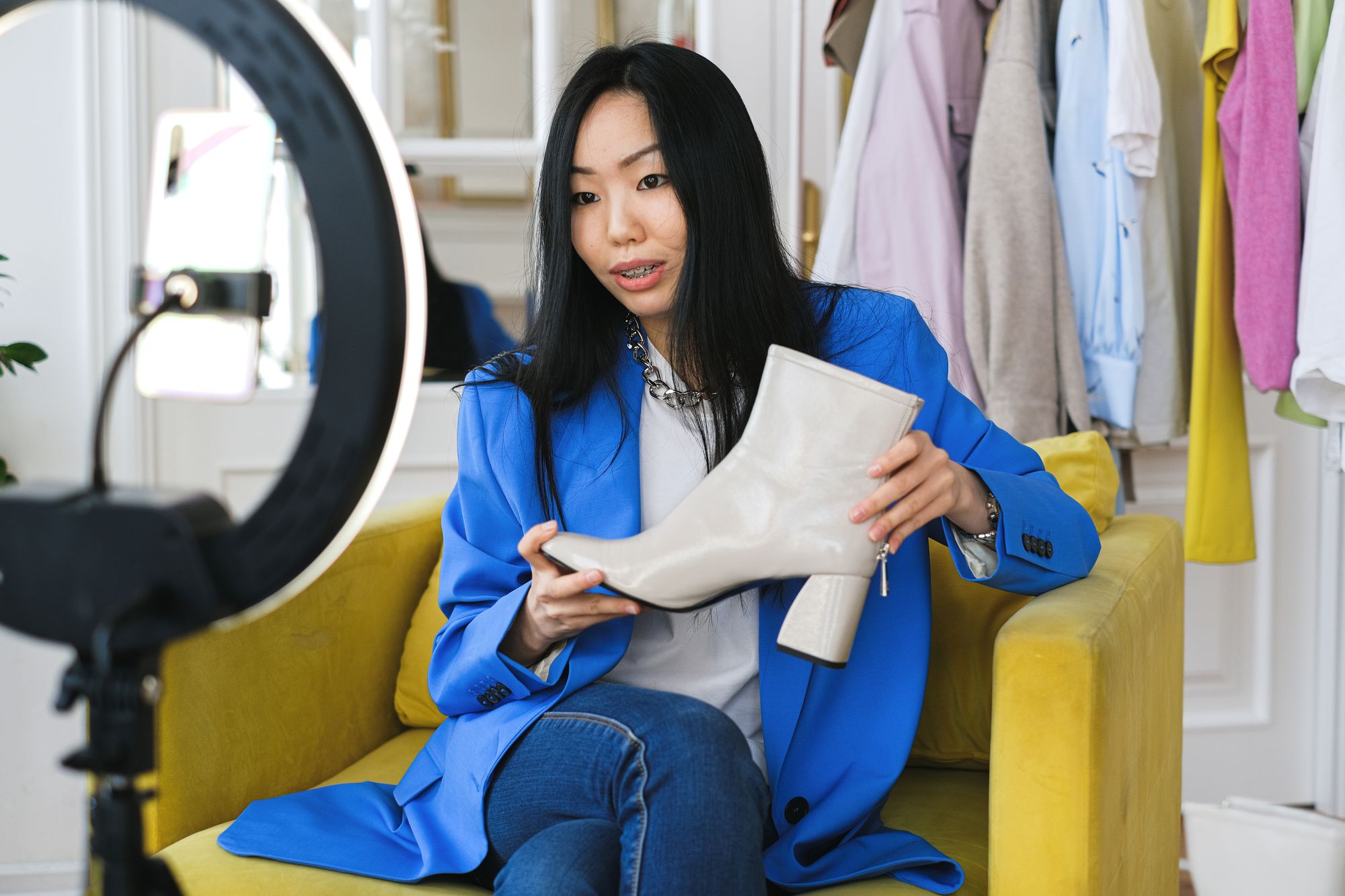
How to get more viewers on Whatnot
Whatnot viewers arrive three ways: a notification to your followers and to people who bookmarked the show, a show link someone taps, or a spot in Whatnot's feeds. To get more, schedule early and share the link. Make the show easy to find, turn new viewers into followers, and post clips that send people from TikTok and Instagram to your next show.
Every lot sells to the people in the room. More viewers means more bidders on each item, and more bidders push the final price up. You can't control who scrolls past. You do control most of the routes into your show, and each one comes down to a few settings and habits.
Where Whatnot viewers come from
Whatnot's own guides point to three routes into a show:
- Notifications. When you start a show, "people who follow you or who have bookmarked your show will receive a notification that you're going live," per Whatnot's Go Live Guide. Followers and bookmarks are your base audience.
- Shared links. Every scheduled or live show has its own link. It opens in the Whatnot app, or at whatnot.com for people who don't have the app yet, where they can sign up and join, according to Whatnot's sharing guide.
- Whatnot's feeds. Your show only appears in the category you pick when you schedule it. Paid Promote Tools put it in more prominent spots in buyers' feeds.
A new seller has few followers, so the first shows lean on shared links and the feeds. Over time, followers do more of the work.
Before the show: get on people's calendars
Schedule in advance, on a repeat
Whatnot's scheduling guide says scheduling ahead gives you time to prepare listings, promote the show and build an audience. It also tells sellers to share the show link early, so people can bookmark it and hear from Whatnot when you go live. You can set a repeat schedule when you create the show. A fixed weekly slot gives your regulars something to plan around.
Make the show easy to find
The same guide lists what to fill in:
- Category. Shows only appear in the selected category. If you sell several kinds of items, pick the main one.
- Tags. Whatnot says tags improve your show's discoverability.
- Thumbnail or preview video. Use a vertical 9:16 image or video at 1080 x 1920 pixels. Without one, Whatnot uses your profile photo.
- Show Notes and listings. Notes tell buyers what to expect. Listings added ahead of time let buyers browse and bid before you go live.
Share the link where your buyers already are
Share the show from Seller Hub before it starts, and again from inside the show once you're live. The link preview shows your username, show title and thumbnail, so a good thumbnail pays off twice. Whatnot counts every share, and you can check the number on the scheduled show or, after the show, in Seller Hub Analytics.
One limit from the sharing guide: sending your show link as unsolicited direct messages to lots of people counts as spam under Whatnot's Community Guidelines. Post it to your own audiences instead: your Instagram and TikTok, Facebook groups you run, your email list.
Post clips from your last show
Your followers already know you. A short clip on TikTok, Reels or Shorts reaches people who don't, and your profile link sends them to your next show. This is the Discovery stage of the funnel we build for sellers.
Post clips as original videos from your own account. TikTok's originality policy says TikTok may remove unoriginal content, like video with someone else's watermark or video reused without creative edits, from the For You feed. Instagram's creator tips say it's less likely to recommend reposts and content with noticeable watermarks. Our guide to clipping a Whatnot stream covers the editing, and recording your show gets you the footage.
During the show: turn viewers into followers
Look and sound worth staying for
A notification gets someone into your show. Then the picture and sound have to hold them. Whatnot's Production Guide says "a stable video feed is crucial to a successful show" and lists mounts that keep your phone locked in place. For light, it calls a two-point lighting setup "your first real upgrade." Its reason: a ring light "creates flat, harsh images, and reflections," while two lights balance shadows, cut glare and make colors and details pop.
In beauty, jewelry and fashion, buyers bid on what they can see: the shade, the stone, the fabric. Light the product first, then yourself. The same guide lists mic kits for phone and OBS setups if your audio sounds thin.
Ask for the follow
A follower gets a notification every time you go live, so each new follower is a likely viewer for your next show. Ask new people to follow when they join, and again before you start a big lot.
Run giveaways by the rules
Per Whatnot's giveaway guide, a giveaway runs for up to five minutes and Whatnot picks a random winner. Entrants have to be in the show when Whatnot draws the winner. You can keep selling while it runs. You pay the shipping on giveaway items, and Whatnot deducts it from your balance when you start the giveaway. Read Whatnot's Giveaway Rules and Requirements, linked from that guide, before you run your first one.
Bring in a co-host
A co-host joins your show with their own video and sound, and Whatnot's co-host guide pitches it as a way to combine your audiences. You stay the host: orders, shipping and payouts all run through your account. Pick a co-host whose buyers would want what you sell.
Multicast to YouTube, Facebook or Twitch
If you go live from an iOS device or a desktop, Multicast sends your stream to YouTube Live, Facebook Live or Twitch at the same time. Whatnot suggests a second device to watch those chats, since they don't merge into Whatnot's, and muting the extra devices to avoid echo. Android streams and private shows can't multicast.
Pay for placement at the right moment
Whatnot's Promote Tools come in three types:
| Tool | What it buys | Best for |
|---|---|---|
| Promote Full Show | Featured spots in buyers' feeds for your whole stream, on an hourly budget. You pay for the time your promoted stream runs. | Building an audience across the show |
| Boost | A surge in visibility of up to 15 minutes, priced by a bid you enter | One big moment, like a special item |
| Community Boost | Up to 15 minutes of extra visibility, paid for by your past buyers | Sellers with a loyal buyer base |
Whatnot shows the results in Seller Hub, under Marketing, including the impressions each promotion bought. Compare those against shows you didn't promote before you raise the budget.
After the show: keep the audience moving
Raid when you wrap
A raid sends you and your viewers to another seller's live show, per Whatnot's raid guide. The seller you raid sees a message in their chat announcing you. Raiding ends your stream, so start it only when you're done selling. Raid sellers whose buyers overlap with yours. When a seller raids you, thank them in the chat and welcome the new viewers.
Clip the replay before it expires
Whatnot keeps your full show replay in the app for 60 days, and you can capture and download clips from it, per its help center. Post a few clips through the week so your next show has new people waiting for it.
Check what worked
Seller Hub Analytics, on the web, shows the share count for each show, under the Shows tab. Whatnot notes it takes 1 to 2 days to update. Compare shares and promotion impressions from show to show, and keep the habits that moved them.
How it fits together
We map this to five stages on our home page, in the funnel. A clip gets someone's attention (Discovery). They check your profile and follow (Interest). They watch older clips and look at your shop (Appraisal). They join a live show and chat (Confirmation). They bid or buy, then come back (Conversion). Their wins and your reactions become the next round of clips, and it starts again.
Checklist for your next show
- Schedule it ahead, on a repeat, with a category, tags, a vertical thumbnail and Show Notes.
- Share the link early, and again when you go live.
- Post a few clips from your last show as original videos on your own accounts.
- Ask new viewers to follow.
- Plan one giveaway and one Boost around your best item.
- Raid a seller in your category when you end.
- Clip the replay before its 60 days run out.
Recording and clipping take the most hours on that list. How it works shows what we take off your plate.
Questions sellers ask
Why does my Whatnot show have so few viewers?
Most viewers reach a show through a notification, a shared link or a spot in Whatnot's feeds. Notifications go to your followers and to people who bookmarked the show, so a new account starts with few. Early on, lean on shared links, the right category and tags, and paid placement through Promote and Boost.
Do giveaways bring more viewers on Whatnot?
Whatnot doesn't publish numbers on that. A giveaway does give people a reason to stay: it runs up to five minutes, and entrants have to be in the show when Whatnot picks the winner. You pay the shipping on giveaway items, so plan the cost in.
What's the difference between Promote and Boost on Whatnot?
Promote Full Show buys extra visibility for your whole livestream on an hourly budget. Boost buys a surge of up to 15 minutes for one moment, like a special item. Community Boost lets your past buyers pay for a boost of up to 15 minutes.
Can I stream my Whatnot show to YouTube at the same time?
Yes, with Multicast. When you go live from an iOS device or a desktop, Multicast can send your stream to YouTube Live, Facebook Live or Twitch. Android streams and private shows aren't supported, and chats from the other platforms don't show up in Whatnot.
How do clips help a Whatnot show get viewers?
A clip on TikTok, Reels or Shorts can reach people who don't use Whatnot yet. Your show link opens in the Whatnot app or in a browser, so anyone who taps it from your profile can watch, sign up and bid.
Sources
- Go Live Guide, Whatnot Seller Academy. Opened Oct 9, 2026.
- Schedule, edit, and start a show, Whatnot Help Center. Opened Oct 9, 2026.
- Share your show as a seller, Whatnot Help Center. Opened Oct 9, 2026.
- Promote Tools, Whatnot Help Center. Opened Oct 9, 2026.
- Start a giveaway during your show, Whatnot Help Center. Opened Oct 9, 2026.
- Invite a co-host to your show, Whatnot Help Center. Opened Oct 9, 2026.
- Use Multicast on Whatnot, Whatnot Help Center. Opened Oct 9, 2026.
- Raid another seller's show, Whatnot Help Center. Opened Oct 9, 2026.
- Production Guide, Whatnot Seller Academy. Opened Oct 9, 2026.
- Watch your past shows and video receipts, Whatnot Help Center. Opened Oct 9, 2026.
- Understanding TikTok's Originality Policy, TikTok Creator Academy. Opened Oct 9, 2026.
- Tips for Improving Your Reach, Instagram for Creators. Opened Oct 9, 2026.